AccountEdge
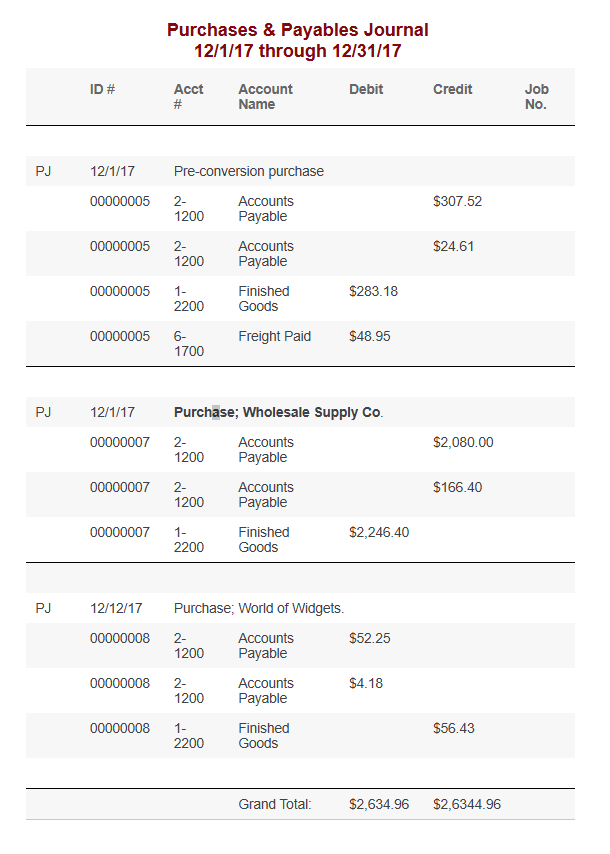
Purchase & Payables Journal report
NOTE : The report displays only transactions that were entered in windows to which your user ID allows access.
You’ll need to Customize the report:
Under Index to Reports, select Purchase & Payables Journal report
FILTERS
Transaction Date: From/To – Change to cover 4 year period (Current back to 4 years)
Leave the remainder of fields blank or choose ALL
MORE REPORT FIELDS
Add the following fields:
Job Name
Linked Customer
Job Status
Memo
Name
Payee
Notes
Click Send To and choose one of the following file formats:
Simple Text File, Tab-Delimited Text File, or Comma-Separated Text File
In the Save window, specify a name and location for the file and click Save.