Navision
This should generate a proper report:
- go to AP Batch Manager List
- select show completed bottom right
- select post
- select posted batch control report
- beside batch no. - enter batch number (ex) AP-JC00089..AP-JC00400 - the batches that are in the date range required.
- select preview
- select file - save as HTML (document can be opened in excel if necessary).
Old instructions:
Some Navision users have sent us a report called the Journal Register Report, found under G/L Register.
G/L Register: Source Code: PURCHASES
G/L Register: Journal Register
Not sure if this actually works, but found these instructions somewhere on the internet
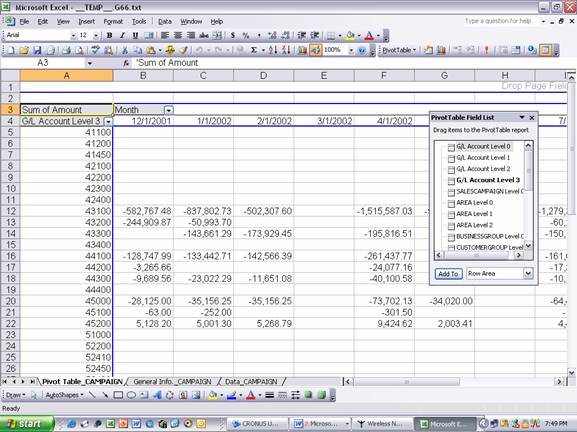
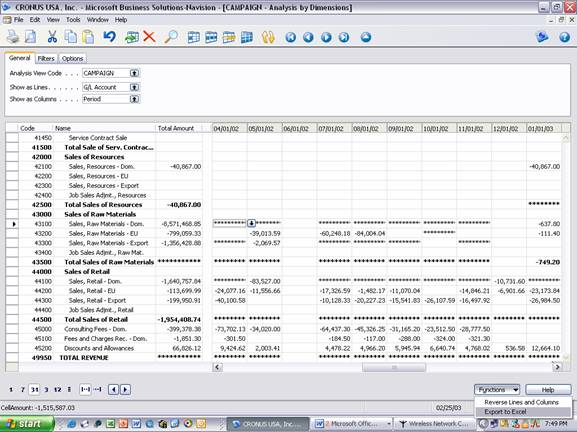
The screen below show example financial reports as presented in Navision. The drop down option button in the bottom right hand corner allows the user to export financial reports to Excel.
The screen below shows the resulting financial report in Excel, including an automatic pivot table and field list box to make it easier for end users to create OLAP data cubes, pivot reports, and pivot charts.